To-do list inside your business software
The small things that need doing, in the same place as the work they're about — so there's one fewer app to check.
No card · No trial clock · Export everything · Cancel anytime
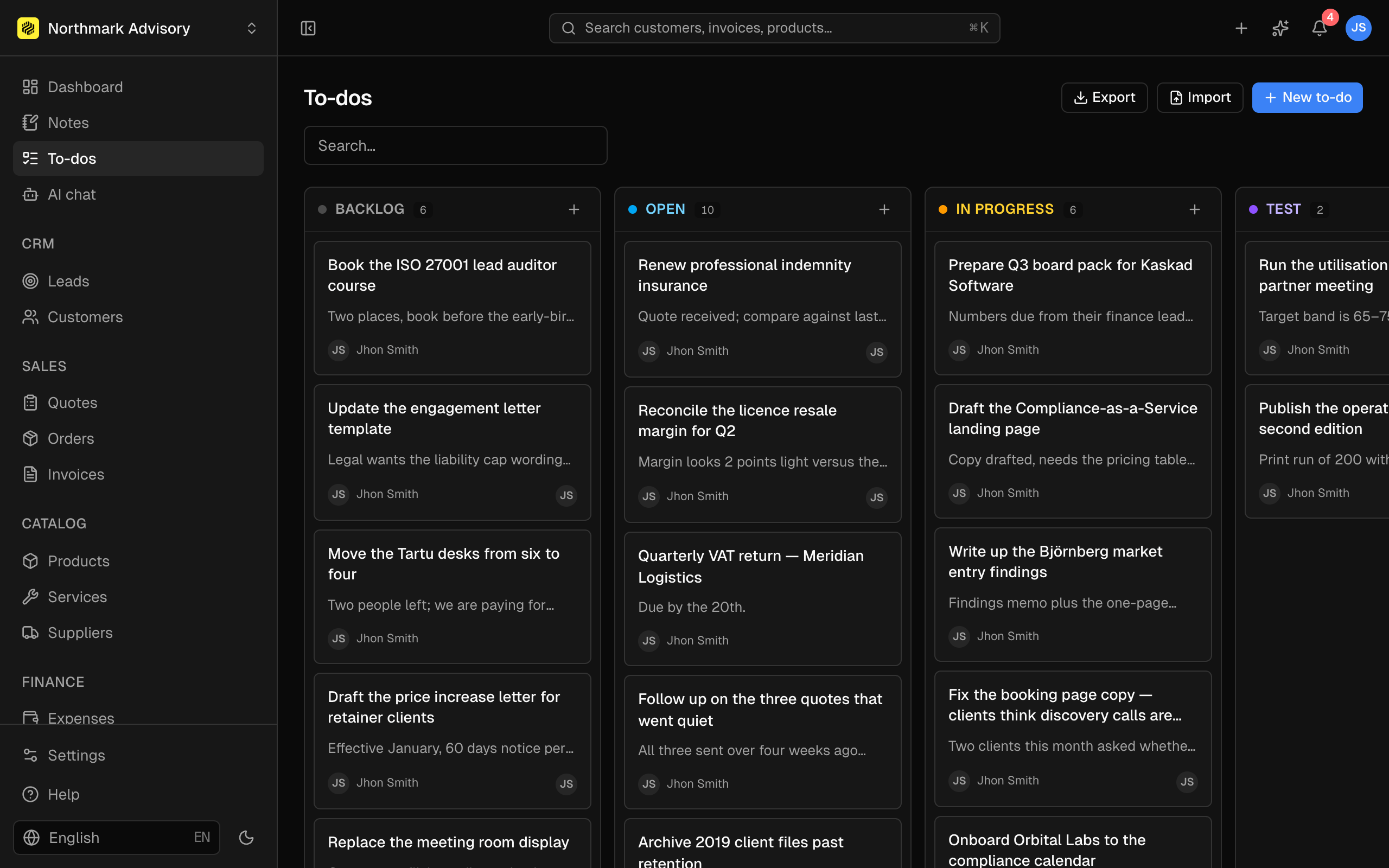
One fewer place to look
Most small businesses keep tasks in a separate app that half the team opens. Having them in the system you're already in for invoicing and customers means they get seen — which is most of what a to-do list is for.
With the file if it needs one
To-dos take attachments, so "chase this" comes with the thing you're chasing rather than a note to go and find it.
Works with
- NotesThe things you'd write on a pad — kept with the customer, the job or the day they belong to.
- DashboardThe first screen after you log in: what's come in, what's gone out, and what's waiting on someone.
- VacationsRequests go in, approvals come back, and everyone can see who's away — without a shared spreadsheet nobody trusts.
- Activity logEvery create, update and delete recorded with who did it — searchable by person, record and action.
To-dos — common questions
Can I assign a to-do to someone else?
Not yet — to-dos are personal rather than assignable, and there's no board or kanban view. If you need shared task management with assignment and workflow, this won't replace it. It's a personal list that happens to live where your work does.
Do I get reminders?
No due-date reminders or notifications on to-dos. Notifications cover things happening in the business — a booking awaiting confirmation, a vacation request — rather than your own list.
How many can I have?
Ten on Free and unlimited on every paid plan.
Still deciding? Book a demo
Start free. Scale as you grow.
Run your whole business in one place — and pay for it like a founder, not an enterprise.
No card · No trial clock · Export everything · Cancel anytime